
Journal
Save tasted wines, tasting notes, ratings, aromas, structure, and memories.
Local-first wine memory
Track the wines you taste, organize your cellar, save bottles for later, and build a personal memory of what you actually enjoy.
Current public release: WineFolio 1.0.1 for iPhone.
WineFolio Journal 2.0 · In preparation
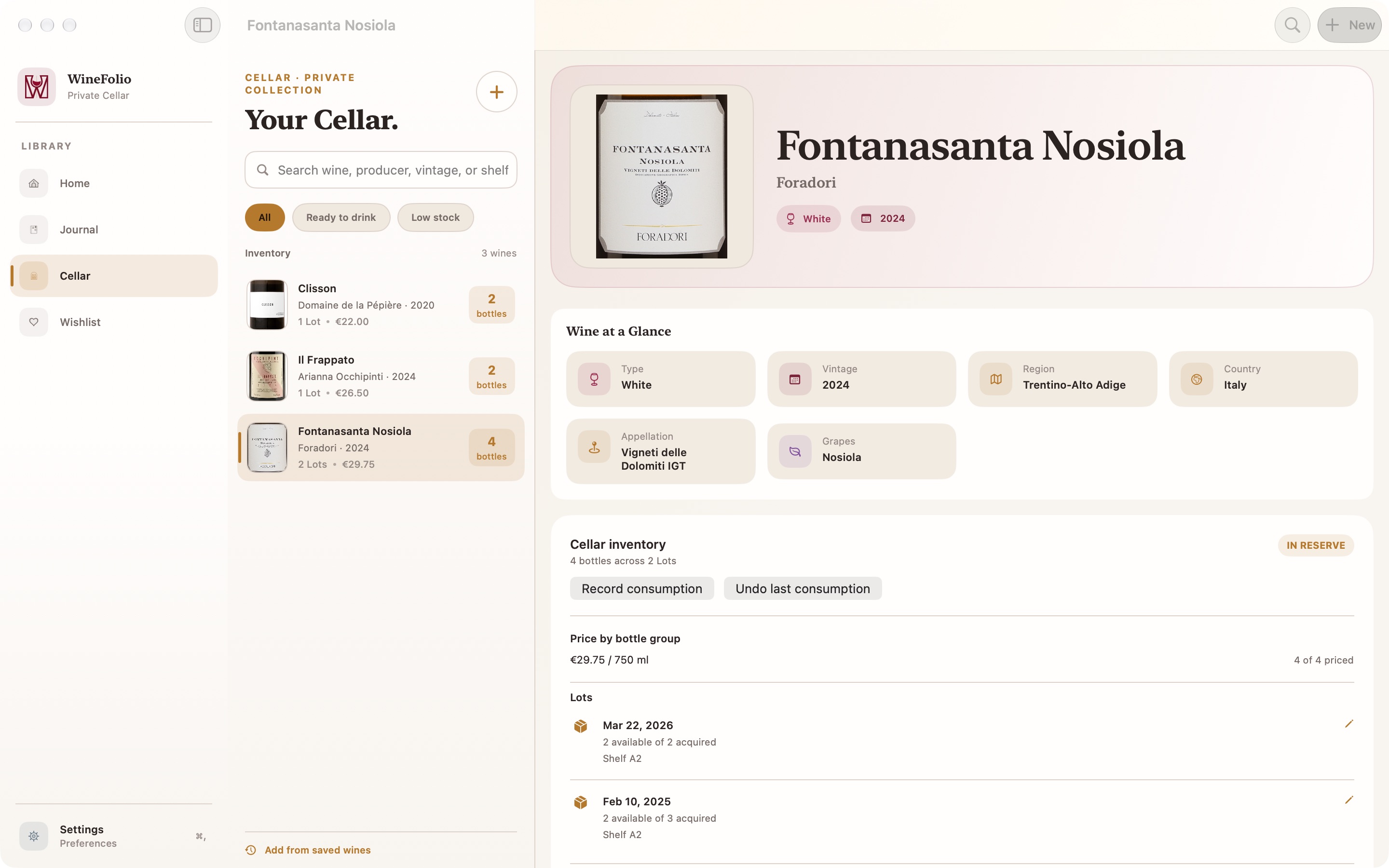
The current public app is version 1.0.1 for iPhone. WineFolio 2.0 is being prepared for iPhone, iPad, and Mac, with Quick Notes and Full Tastings, cellar lots, and a separate Wishlist.
The planned release also includes optional iCloud sync through Apple and in-app library export and restore tools. iCloud will not require a WineFolio account; using it requires the user’s Apple iCloud account. These 2.0 features are not part of the current public version and remain subject to release checks.
Read how the planned changes affect privacyJournal, Cellar, Wishlist
WineFolio keeps tasted wines, owned bottles, and future bottles separate, so your notes stay clear as your wine memory grows.
Save tasted wines, tasting notes, ratings, aromas, structure, and memories.
Keep track of the bottles you own and separate them from wines you only tasted.
Save wines you want to buy, taste, or remember later.
Personal wine memory
WineFolio is not a social network, review platform, or commercial ranking system. It is a private place to remember what you tasted, owned, liked, disliked, and want to revisit.
Your notes can be casual, detailed, emotional, technical, or just useful enough to recognize the bottle next time.
Structured tasting
WineFolio gives each bottle enough structure to be useful without turning tasting into homework.
Name, producer, vintage, region, grape variety, and wine type.
Write what you noticed in your own words.
Start broad, then go deeper only when you want to.
Describe acidity, tannin, body, finish, and balance.
Use a simple personal rating instead of pretending every wine needs a professional score.
Keep a visual memory of the bottle.
Local-first by design
The current public version of WineFolio is designed to work locally on your iPhone. The core experience does not require an account, has no public cloud sync, has no social feed, has no advertising tracking, and WineFolio does not sell personal data.
Your wine journal is built around your own memory, not public rankings, advertising profiles, or commercial recommendation feeds.
Read the Privacy PolicyFor beginners and enthusiasts
WineFolio works if you only want quick personal notes, but it also supports structured tasting details when you want to describe a bottle more carefully.